
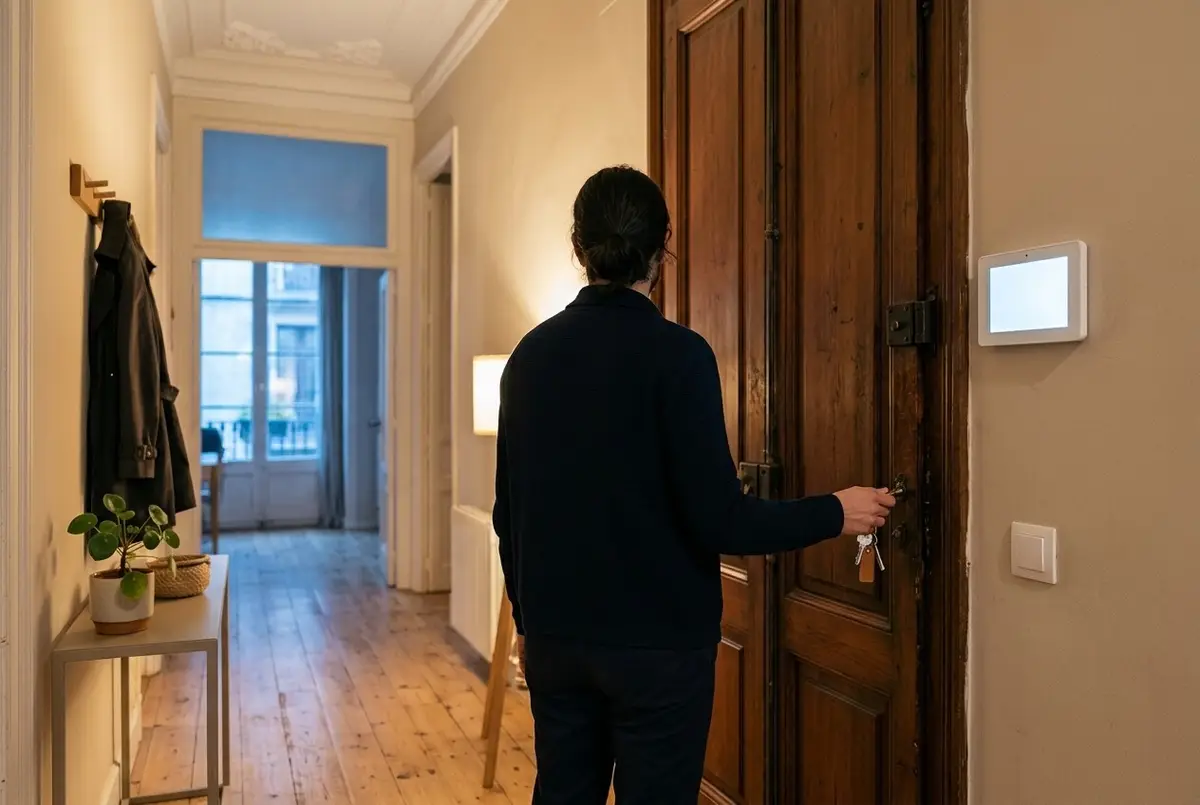
Everyone knows the staircase check. You've shut the door, you're two flights down and it starts: did I lock it, or just pull it to? Did I switch the iron off? And the bathroom window? Sometimes you go back up; mostly you carry on with the doubt. At night it's the same, already in bed: is the terrace door shut?
Home automation usually answers this with a leaving scene: one button that switches everything off. That's fine, but it switches off blind. What really settles the doubt is something else: a routine that first looks at the home, tells you what's left and only then acts. This guide explains how the two most used ones work, “I'm off” and “good night”, and what your home tells you when you get back and in the morning.
A scene switches off; a routine that checks looks first
The difference fits in four steps. A routine that checks looks at the state of the home: doors, windows, locks, appliances left on. It tells you out loud, by name: “the bathroom window is open”. It gives you a few minutes to leave calmly or to sort it out. And only then does it act: it switches off, locks and arms whatever needs arming.
It also knows who's staying. If someone is still at home, it only tells the person leaving what's theirs and touches nothing else: it won't switch the light off on whoever is reading in the living room, or arm the alarm around them.
“I'm off”: what it checks, what it tells you and what it does once you've gone
You start the routine with whichever gesture feels most natural: “Alexa, I'm off”, a button by the door, an NFC tag in the hallway that you tap with your phone, the panel at the entrance or the app. How voice fits in with the rest of the home is covered in our guide to a smart home that works with Alexa, Google Home and HomeKit.
If you're the last to leave, your home reads out what's been left undone:
- Doors and windows left open. The same ones the alarm watches, named one by one. It's the same alert as in our alerts worth getting, but said in the hallway, while you can still go and shut it.
- Locks that aren't locked.
- The oven, the hob or the iron still on.
And, whether or not anyone else is home, it tells you about today: the weather (whether you need an umbrella, whether it'll be hot or cold) and what you have on, such as medication, feeding the pet or what's in your calendar.
Then it waits a few minutes, just long enough to leave without rushing. If you end up staying, “I'm staying” cancels it all. Once that time has passed, your home does the rest: it switches off lights, TVs and music (and the heating or air conditioning, if you want), locks the door, lowers the shutters in summer, sends the robot off to clean — see our robot vacuum that cleans while you're out — and only arms the alarm if everything is shut. When it's done, you get an alert on your phone with what it did and, if something was left pending, two buttons: “Arm anyway” and “Lock”.
What if you leave without saying it?
Your home notices it's empty from the location or the Wi-Fi of the phones, and keeps an eye on what can't wait: if the oven, the hob, the iron, the air fryer or the coffee machine is still running, you get a critical alert. Whatever can be safely switched off at its plug — the iron, the air fryer, the coffee machine — can be set to switch off by itself; otherwise the alert comes with a “Switch off” button. The oven and the hob are never cut off remotely: they only alert you. Switching off something that may have a pan on it is a decision for someone who can see it.
Coming home: “what happened while I was out?”
When you get back, your home greets you by name, but not as you turn into the street: when the front door opens or the hallway sensor sees you. Then it tells you what happened while you were out: whether the doorbell rang, whether a parcel was left, whether the cameras saw anything while the home was empty, whether the alarm went off or whether the washing machine finished and is still full. Next, how the home is: the temperature, whether the heating or air conditioning is running, whether a window is open. And what's left of your day.
The long summary is only for the first person home. If someone was already in, a simple “Laura is home” is enough. If you've only been out for a short while, it says nothing, and it stays quiet in night mode or cinema mode. The panel at the entrance shows the same summary, with photos from the doorbell and the cameras, and anyone who'd rather not hear it can ask for it whenever they like: “what happened?”.
The heating also gets ahead of you. If you're on your way home with it off and it's cold inside, it can switch on before you arrive, if you've enabled it and the windows are shut. And if you don't come after all — a detour, dinner out — it leaves things as they were.
“Good night”: the check before bed
“Good night” is the bedtime version of “I'm off”. You start it from the bedside table — a button or an NFC tag — by voice, from the panel or at a set time. It puts the home into night mode and switches off what isn't needed overnight: the games console, chargers, appliances left on standby. It lowers the shutters you choose and checks what's left: doors and windows open, locks not locked, lights, TVs and appliances still on.
Whatever it finds, it can deal with in one of two ways, and each home chooses its own. Either it alerts you with two buttons, “Switch everything off” and “Lock”, so you decide, or it just does it without asking. If everything is in order, it says nothing: you go to sleep knowing the home is shut.
And during the night
With night mode on, if a door or window opens, your home alerts whoever is inside: “the terrace door has opened”. It allows a margin after bedtime, so it doesn't alert you to things being shut at the last minute, and it doesn't repeat the same alert every minute. And if someone gets up, the hallway and the bathroom light up together, very dim and warm, without touching the bedroom light; when nobody is moving, they switch off.
“Good morning”: the summary waiting for you in the kitchen
In the morning your home runs the check the other way round. Before your phone alarm goes off, the bedroom light rises slowly, like a sunrise, and the bathroom or the living room warms up, if you want; on the hour, the shutters go up. On “no early start tomorrow” days and during holidays, it does none of this.
The summary comes when night mode ends or, if you prefer, the first time someone walks into the kitchen: today's weather, what's in the calendar, which medication is due, whether the pet has eaten and whether the cameras saw anything overnight. It's the same “today” that “I'm off” tells you as you leave, but at coffee time.
What these routines don't do (on purpose)
- They don't cut off the oven or the hob. They alert you, and the decision is yours.
- They don't arm the alarm with a window open without asking you first.
- They don't talk at night or in cinema mode.
- They don't alert you every time a door opens during the day: that would be watching, not helping.
- They don't depend on the cloud. The check and the actions are decided by the small device in your home. Only Alexa's voice and the alerts that reach you away from home need the internet.
What your home needs (and how we quote for it)
Each part of these routines depends on what your home has, and it's set up according to what you sign up for. Without a smart lock there's no “Lock”; without an alarm there's no “arm”; without speakers your home doesn't talk and the check reaches your phone or the panel instead; the shutters need to be motorised already to go up and down by themselves, and appliances are watched with plugs that measure consumption. You don't need everything: you can start with “I'm off” and add pieces as you go.
We don't give a fixed figure here, because it depends on what you already have and what you want each routine to do. We quote for it during the visit, with no obligation, as a one-off payment with no monthly fees. The full picture of what a system can do for a home is on our home automation for homes page. It comes with the same warranty as everything else we install: we guarantee our installation and configuration for 5 years. The devices carry their manufacturer's warranty (2–3 years), and we handle it for you.
Common questions
What if I leave without saying “I'm off”?
Your home still notices it's empty, from the location or the Wi-Fi of the phones of the people who live there. What matters most doesn't depend on the gesture: if the oven, the hob or the iron is still on with nobody home, an alert reaches your phone. What does need the “I'm off” is the spoken check before you leave, which is exactly when you can still go back for the umbrella or shut the window.
What happens if someone is still at home?
The routine only tells the person leaving what's theirs — the weather, what they have on today — and touches nothing else. It doesn't switch off the lights of whoever stays, lock the door or arm the alarm. Switching off, locking and arming only happen when the last person leaves.
Will it talk to me at three in the morning?
No. With night mode on, your home doesn't greet anyone or read out summaries; nor does it in cinema mode. At night it only alerts you if a door or window opens, and only the people at home. The summary waits until the morning.
Does it work if the internet goes down?
Almost all of it, yes. The check, switching off, locking and the alarm are decided by the small device in your home, without going through any outside server, and the button by the door, the NFC tag and the panel keep working. What needs the internet is Alexa's voice, which lives on Amazon's servers, and getting alerts on your phone when you're away from home.
In short
A leaving scene switches your home off; a routine that checks hands it back to you in order. As you leave, it tells you what's left and what you have on today, gives you a few minutes and then switches off, locks and arms only if everything is shut. When you get back, it tells you what happened; at bedtime it checks doors and locks, and in the morning it's waiting with the day's summary. What settles the staircase doubt isn't switching everything off: it's knowing your home has checked for you.