
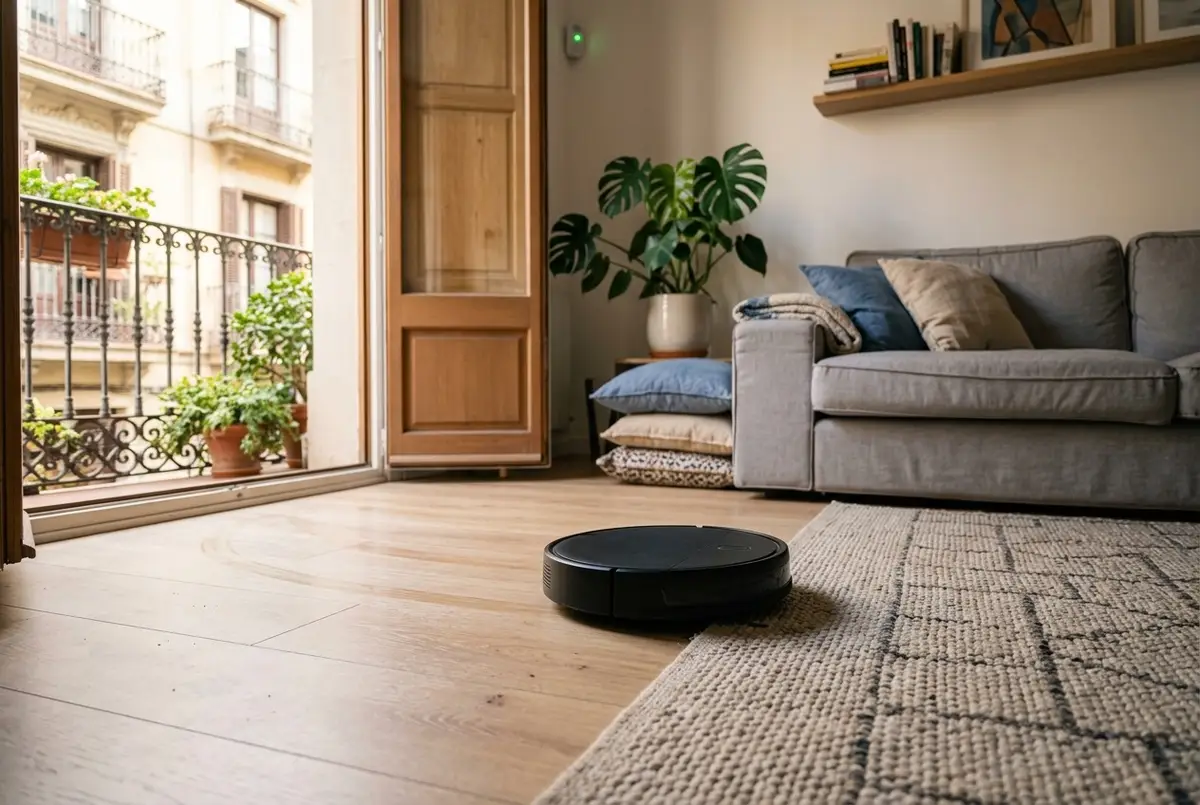
A robot vacuum promises to clean by itself, but it's nearly always scheduled for a fixed time, and a fixed time clashes with real life: on the day you work from home it starts in the middle of a video call, on Saturday it gets in the children's way and, if you go out earlier than planned one day, nobody takes advantage of the empty home. The obvious alternative, cleaning when nobody's in, clashes with something else: the alarm. A robot moving around the living room with the alarm set is exactly what an alarm is designed to detect.
The answer is for them not to be two devices that ignore each other. The robot and the alarm need to know about each other: when the home empties, it cleans; and the alarm doesn't mistake it for an intruder. That's how we set things up in the homes where we integrate the robot vacuum, and this is what each piece does.
It starts when you leave, not at a fixed time
The home knows when it's empty: it works it out from the phones of the people who live there, by their location and by whether they're still connected to the home Wi-Fi (both together, because each one on its own gets it wrong). From there, cleaning organises itself:
- It waits a while after you leave. Fifteen minutes by default, in case someone comes back for their keys.
- Only within set hours. From nine in the morning to eight in the evening by default, so it doesn't wake the neighbours or clean in the small hours if you go out for dinner.
- No repeats. If it cleaned less than twenty hours ago, it won't go out again even if you leave again in the afternoon.
- If someone arrives while it's cleaning, it goes back to its dock or carries on until it finishes, as you prefer.
If you like a fixed day (Friday, before the weekend), it can also be scheduled for a time and wait for the home to empty; if the home doesn't empty that day, it doesn't clean.
The alarm knows it's the robot
It's the question we're asked most by people who already have both: how do I leave the robot cleaning if I go out with the alarm set? When both are part of the same system, the answer is simple: the alarm knows that what's moving is the robot, it doesn't go off because of it while it cleans and, when it finishes and goes back to its dock, the alarm goes back to how it was by itself (if the home is still empty). If you'd rather the robot never cleaned with the alarm set, that's possible too: with the alarm set, it stays put.
For that, the alarm has to be integrated into the home's system: that's what we do with our alarm with no monthly fees, and with some company alarms that allow it. If you're weighing up the two options, we compare what each one gives you in alarm with or without monthly fees.
Room by room, without disturbing whoever's at home
When there are people at home, the robot can still clean, but politely: if a room has someone in it (its motion or presence sensor sees them), it skips that room and comes back to it once it's been free for five minutes. With the home empty, it skips nothing.
For that, the robot needs to be able to clean room by room, and each brand is different here:
- Roborock and robots that clean by area: each of the robot's rooms is linked to a room of the home, and the system asks it for 'kitchen and living room'. It's what the Home Assistant documentation for robot vacuums describes, the system we work with.
- Dreame: also room by room, using the names they have in its app.
- Roomba: its integration doesn't clean by room, so it cleans the whole home (in that case, better with the home empty).
No lights switching on, no interruptions
Two details that set an integrated robot apart from one that simply works. First: if the home has lights that switch on with movement, the robot passing under the sensor would switch on the light in every room it cleans. Integrated, the system knows where it's cleaning and doesn't switch that light on because of it (the door still does, in case someone really comes in).
Second, noise. If the doorbell rings, a film goes on or a call comes in on your phone, the robot pauses (or goes back to its dock, if you prefer) and resumes cleaning after two minutes of quiet.
Cleaning where it gets dirty
Cleaning the whole home every day is the easy part; cleaning where it's needed is the useful part. A few examples of what we set up:
- The kitchen, after cooking. When the hob or the oven has been on for a while and switches off, fifteen minutes later the robot does the kitchen by itself, without doing the rest of the home.
- After a visit. Once your guests have left, an extra round (if you like, when the home is empty).
- In moulting season. If you have a dog or cat, in the months when they shed most, an extra round on the days you choose.
Alerts only when they're needed
A robot that cleans while you're out has one risk: that it gets stuck on a cable after half an hour and you only find out in the evening. That's why it alerts you when it needs something, and only then: stuck, bin full or out of water, with the buttons 'Back to dock' and 'Keep cleaning'. It also tells you when a brush or the filter needs changing, and once a week it sends a summary if anything's pending. The 'I've finished' alert is off by default: if all goes well, there's no need for it to tell you.
What you need
A robot that integrates with the system (those from the brands above nearly always do) and, to clean room by room, that has its rooms set up on its map. If the home already has motion or presence sensors and an integrated alarm, they're put to use. We've done it in real homes: the flats in Bilbao and Badalona in our projects have the robot vacuum integrated with the rest of the home.
It's quoted during the visit, with no obligation, depending on the robot and what's already in the home. With the same warranty as everything else we install: we guarantee our installation and configuration for 5 years. The devices carry their manufacturer's warranty (2–3 years), and we handle it for you.
Common questions
Will my robot vacuum work?
Almost certainly, if it's a brand that integrates with the system: Roborock, Dreame, Roomba and those that work with Matter are the usual ones. What changes is how it cleans: Roborock and those that clean by area do it room by room; Dreame, by the names of its rooms; and Roomba, the whole home. A few specific models can't be integrated (the Roomba 105, 405 and 505, for example), so we check during the visit before promising anything.
What if I get home while it is cleaning?
You choose what it does: by default it goes back to its dock as soon as someone arrives, so it isn't under your feet, but it can carry on until it finishes if you prefer. You choose once and can change it whenever you like.
Does it work without the internet?
Deciding when to clean, the alarm and the alerts all work locally, on the small device that runs the home. The robot depends on its brand: a Roomba is controlled locally, whereas a Roborock needs its account in the manufacturer's cloud to work, even though commands travel over your home network whenever possible. We look at it during the visit so you know where you stand.
What happens if it gets stuck while I am out?
You get an alert saying what's wrong (stuck, bin full, out of water) and two buttons: 'Back to dock' and 'Keep cleaning'. If it's tangled in a cable, you'll see it when you get home; if it only needed a nudge, you sort it out from your phone. When the problem is fixed, the alert disappears by itself.
Can I pause it for a few days?
Yes: there's an 'automatic cleaning' switch for the panel or the app. With it off, nothing starts the robot on its own (a holiday, a move, building work), and you can still start it by hand whenever you want. When you switch it back on, everything carries on as before.
In short
A robot vacuum really earns its keep when it stops being a gadget with its own app and becomes part of the home: it goes out when you leave, skips the room where someone is, doesn't switch the lights on as it passes, goes quiet when the doorbell rings, cleans the kitchen after cooking and only alerts you when it needs help. And, above all, the alarm knows it's the robot. Scheduling a robot for a set time is easy; what changes everyday life is it cleaning while you're out without anything going off.