
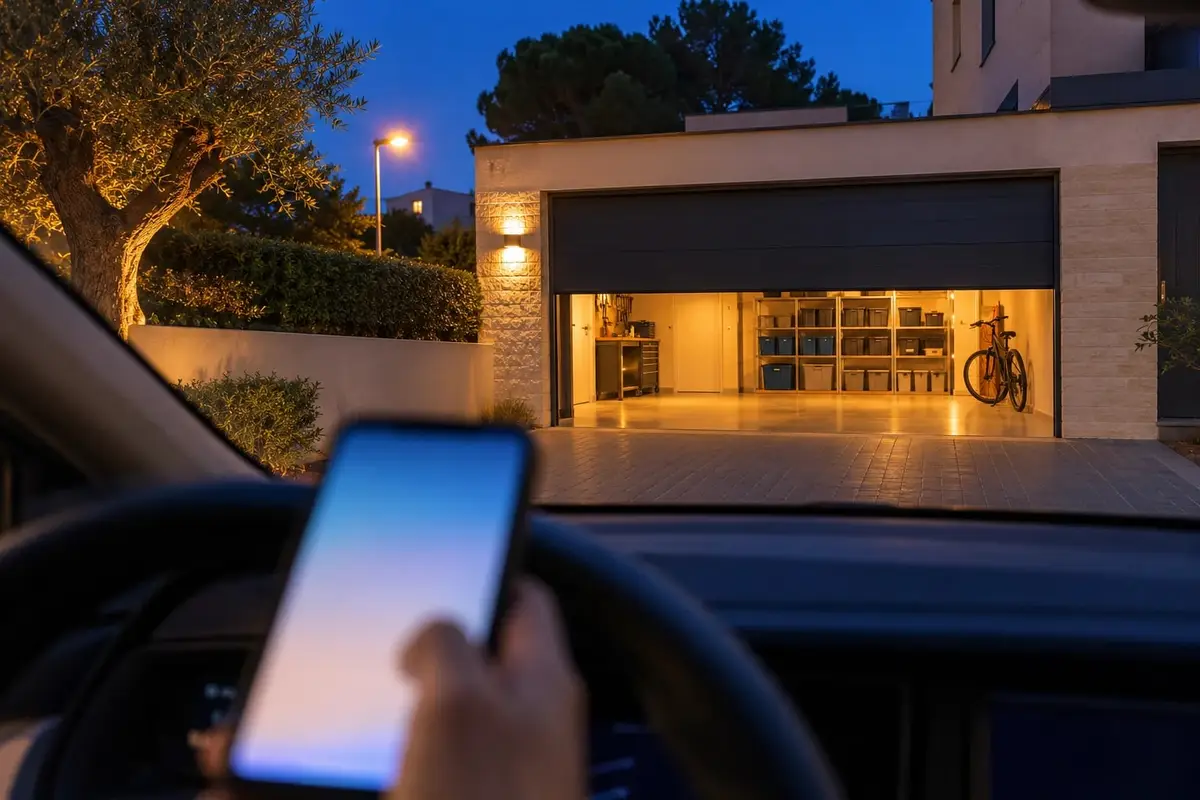
The garage remote is always in the other car. Or in yesterday's jacket pocket, or whoever left first took it. And when you finally head off, five minutes later the usual doubt kicks in: did the door actually close?
Opening the garage from your phone is the easy part. What really changes is what the remote doesn't tell you: whether the door has been left open, who opened it and when. Here's what it takes to connect it, what happens if the garage belongs to the building, and how the one we set up works.
What it takes: almost always, the motor you already have
Most garage door motors have an input for a push button, the same one the wall button uses if there is one. A relay goes there: a small module that gives the same command as that button, and the motor and the remotes stay as they were. Some motors need a part replaced or added; we look at that at the visit, with your motor in front of us.
With the relay, the door already opens from your phone, but you still need to know what state it's in. For that, a sensor goes on the door itself: without it, the house knows it has sent the command, but not whether the door has really closed. That sensor is what makes everything the remote doesn't tell you possible.
What if the Wi-Fi doesn't reach the garage?
It often happens in underground garages. We take the network down there, with a repeater, a cable or whatever your garage needs, and sort it out at the visit.
What if the garage belongs to the building?
If the door belongs to all the neighbours, so does the motor, and touching it needs the go-ahead of the owners' association or the property manager. With that permission, it's set up just the same. It's the same as with the building's door entry system, as we explain in how to swap your old intercom for a video door entry system.
When you arrive, your phone asks whether to open
When you get home, the house knows from your phone: from its location or because it connects to the Wi-Fi. At that moment you get a notification, "Shall I open the door?", with an "Open" button. One tap from the car and the door goes up. On an iPhone, the button asks for Face ID or the phone's passcode first.
- Only to whoever is arriving. The notification goes to that person, not to the whole household, and only the people you choose can open.
- Only at that moment. If the notification is from a while ago, the button no longer opens: it's for when you arrive, not for an hour later.
- With the alarm on, you decide. Either it doesn't open, or it disarms the alarm and opens.
Why does it ask instead of opening by itself? Because a phone's location sometimes jumps ahead or gets it wrong, and a garage door that opens because your phone thinks you've arrived is an open door with nobody in front of it. With the notification, it opens when you're there.
Besides the notification, the door opens at any time from the app or the home panel, and also with an NFC tag next to the door: hold your phone to it and it opens, only for the people you choose.
What the remote doesn't tell you
Whether it's been left open
If the garage door stays open longer than usual (ten minutes, twenty, whatever makes sense in your home), you get an alert, and you close it from your phone without going back. And when you go to bed, the goodnight summary tells you if it's still open. They're two of the alerts actually worth getting at home.
Who opened it, and when
Every time the door opens or closes, it's logged. If it was from the phone or the panel, with the name of whoever did it; if it was an automation, which one. If someone uses the usual remote, the time is logged, but not who: the remote doesn't say.
Is it safe to open the garage from your phone?
The command comes from your Home Assistant, at home. Away from home, we set up the remote access ourselves; it's encrypted and has no subscription. Only the people you choose can open, and on an iPhone the button asks for Face ID. What really protects a connected home, layer by layer, is in can a smart home be hacked?
What's included, and how we quote it
What's needed depends on your door, your motor and whether the network reaches the garage. That's why we don't give a figure here: we quote it at the visit, free and with no obligation, as a one-off payment with no monthly fees. It carries the same warranty as everything we install: we guarantee our installation and configuration for 5 years. The devices carry their manufacturer's warranty (2–3 years), and we handle it for you.
And if you'd also like to open your front door or the building's street door from your phone, the garage joins the same system as the smart lock and video door entry, with a single access log.
Common questions
Will it work with the motor I already have?
Almost always. Most garage door motors have an input for a push button, and connecting a relay to it is enough. Some motors need a part replaced or added: we check at the visit, with your motor in front of us.
Do the remotes still work?
If the motor stays, yes. The relay gives the same command as the wall button and replaces nothing, so the remotes work as they always have. And if one goes missing, your phone still opens the door.
What if the garage belongs to the building?
Then the motor belongs to all the neighbours, and touching it needs the go-ahead of the owners' association or the property manager. With that permission, it's set up just like a private garage.
What if the Wi-Fi doesn't reach the garage?
It often happens in underground garages. We take the network down there, with a repeater, a cable or whatever your garage needs, and sort it out at the visit.
Can it open by itself when I arrive, without touching my phone?
No: when you arrive, your phone asks whether to open, and the door goes up with one tap. That way it opens when you're in front of it, not when your phone thinks you've arrived.
In short
To open your garage from your phone, a relay on the motor you already have is almost always enough, plus a sensor to know whether the door is open. When you arrive, your phone asks and you open with one tap; if it's left open, you get an alert; and who opened it is logged. The remote opens the door; the system also tells you how you left it.