
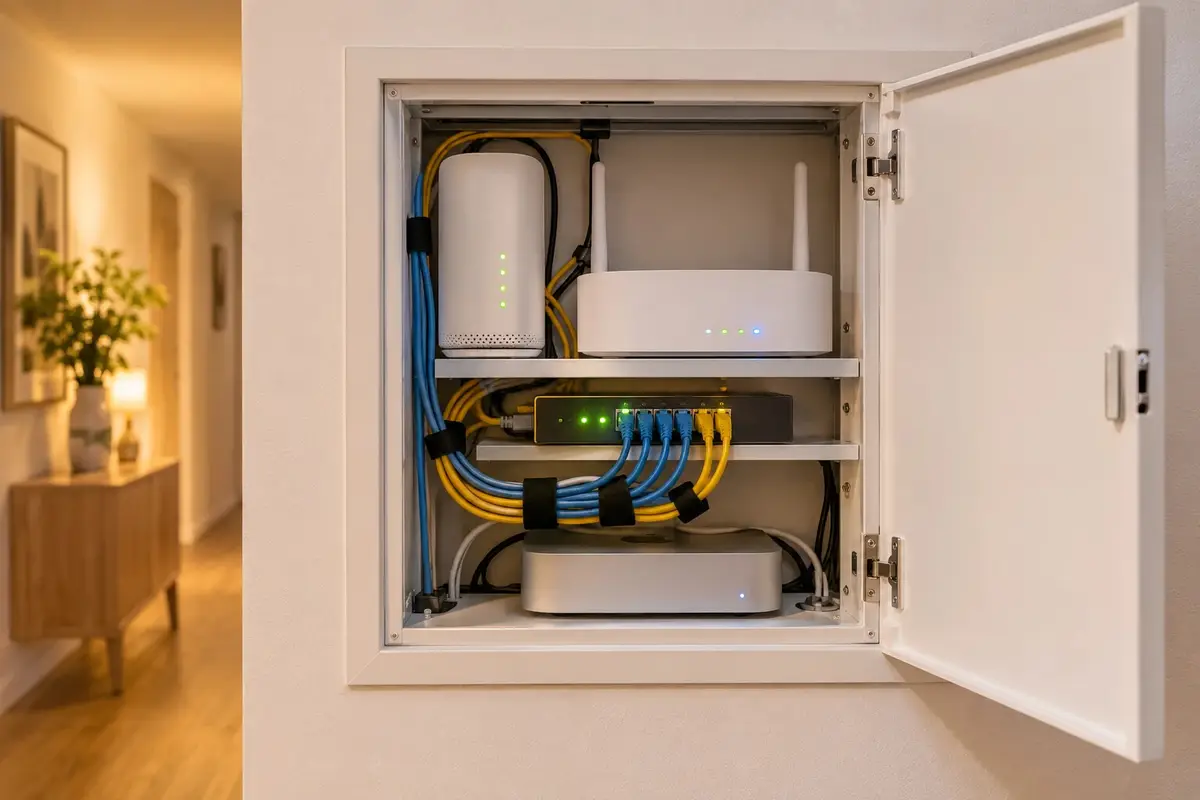
In films, hacking a home is the work of someone in a hoodie in front of three screens, switching off the lights and opening the door with a couple of keystrokes. Reality is far more boring. Almost nobody targets a particular home: there are programs that scan the internet non-stop looking for devices with their factory password or an open door, and they get into the first one they find. They aren't looking for your home; they're looking for any home that's been left unlocked.
The good news is that this has a practical consequence: a well-installed connected home is a very unattractive target, and considerably harder to attack than many homes with no automation at all but a cheap Wi-Fi camera on the shelf. This guide covers how connected homes really get broken into and what protects them, layer by layer: what we do when we install the system and what depends on you.
How attackers really get in
The real ways in are few, and nearly always the same:
- Factory passwords. Many cameras, routers and devices come out of the box with a username and password printed in the manual, which means they're published online. If nobody changes them, getting in takes no skill at all.
- Devices open to the internet. To “see it from outside”, people often open a port on the router to a camera or recorder. That port is visible to everyone, not just you.
- Cloud accounts. If the device is controlled through the manufacturer's account and that password is the same one you use on another website that has suffered a leak, someone can get into your home without touching your network.
- Devices that no longer get updates. Security flaws are discovered over time. A device the manufacturer has stopped updating keeps those flaws for ever.
And there's a fifth risk that multiplies the others: everything being on the same network. If someone gets into a light bulb or a TV, from there they can try to reach your laptop or your phone. It's the same point made by INCIBE, Spain's national cybersecurity institute, in its guide to protecting the smart home (in Spanish), which recommends changing default passwords, turning on two-step verification, keeping devices updated and putting them on a network of their own.
What protects it, layer by layer
No single measure solves it. What works is several layers, so that if one fails, the next one still stops the blow. This is how we set it up.
Nothing open to the internet
To control your home from outside, we don't open any port on the router. Remote access is a VPN: an encrypted tunnel through which your phone connects to your own home, as if you were on the sofa. From the internet there's no door to knock on. There's no monthly fee and it's optional: you decide whether you want it switched on.
Devices on their own network
When the router allows it, the smart home devices go on a separate network, apart from your computers and phones. If one of them ever had a flaw, it would be stuck inside its own network, with no way through to what really matters.
Cameras with no internet access
Cameras and devices that don't need the internet to work can't reach the internet: we block their access. A camera like that can't send anything anywhere, even if it wanted to. It records at home and you view it from outside through the VPN; how that local recording is set up is covered in our guide to home security cameras with no monthly fee.
Passwords and accounts
No device keeps its factory password: each one has its own, different from the rest, so knowing one doesn't open the others. On the Home Assistant account, the system that coordinates everything, we switch on two-factor authentication: as well as the password, you need a code from your phone. And everyone at home has their own user rather than a shared one: if someone loses their phone or moves out, their access is removed and nobody else has to change anything.
Updates
All of the above ages if it isn't updated. We handle updates and backups if you take out maintenance, which is a separate service; if you'd rather do them yourself, the server is yours and you have full access. It's explained on our Home Assistant installation page. And we choose devices with a proven track record, not the cheapest thing in the catalogue, because there's no way to keep a device secure once its manufacturer abandons it after a year.
What about the lock?
It's the first thing that comes to mind, and it deserves its own answer: what really decides whether a door is secure, and why hacking is the least of its problems, is covered in are smart locks safe?. Here, one point is enough: the lock lives on the same protected network as everything else, with the same layers.
Local or cloud: it matters for security too
Every manufacturer account your home needs in order to work is one more door, guarded by a company you don't control. That's why in our installations no third-party account is required for your home to work: the system runs on a small server that sits in your home and belongs to you. What does still need the cloud is whatever can't live any other way, such as Alexa's or Google's voice. Which data stays at home and what keeps working offline is explained in cloud-free home automation.
What depends on you
The best installation can be undone by a couple of habits. These help most:
- Lock your phone with a code or fingerprint: it's the key to your home.
- Don't share your user with anyone. If someone needs access, they get their own.
- Don't give guests the password to your main Wi-Fi: that's what the guest network is for, if your router has one.
- Let us know if a phone is lost or someone moves out, so their access can be removed.
- Let it update: a pending update is a known flaw left unfixed.
Who designs it (and how we quote for it)
Every installation is designed by Arnau Gris, a computer engineer with a master's in Cybersecurity from the Universitat Politècnica de Catalunya (UPC). Security isn't added at the end: it's decided when the network is designed, when the devices are chosen and when each account is set up.
We don't give a fixed figure here, because it depends on what you already have and what you want to install. We quote for it during the visit, with no obligation, as a one-off payment with no monthly fees. It comes with the same warranty as everything else we install: we guarantee our installation and configuration for 5 years. The devices carry their manufacturer's warranty (2–3 years), and we handle it for you.
Common questions
Can someone watch me through the cameras?
It's the most common fear, and with good reason: a camera with its factory password, open to the internet, is exactly what attackers look for. In our installations the cameras have no internet access and record at home. You view them from outside by connecting to your own home over the VPN, not through a manufacturer's server, so there's no door open towards them from outside.
Is the VPN another monthly fee?
No. We set up the remote access ourselves; it's encrypted and has no subscription. And it's optional: if you don't want to control your home from outside, it isn't switched on, and everything keeps working the same inside.
Does a cheap smart plug bought online put me at risk?
It can. The problem isn't the price but that many cheap devices stop getting updates fairly soon and depend on the cloud of a brand you don't know. That's why we choose devices with a proven track record, not the cheapest thing in the catalogue. And even if one turned out badly, on a separate network with no internet access it can't get very far.
What happens if my phone is stolen?
Because everyone at home has their own user, that user's access is removed and everything else stays the same: nobody has to change their password or set anything up again. With two-factor authentication switched on, the password alone isn't enough to get in anyway.
Is my home safer without home automation?
Not necessarily. Plenty of homes “without home automation” have a Wi-Fi camera with its factory password, a router that's never been updated and a TV connected to everything. What makes a home secure isn't having more or fewer devices but how they're set up: what's open to the internet, which network they're on and who can get in.
In short
Nobody is after your home in particular: attackers go for the home that's been left open. Factory passwords, open ports, reused accounts and devices without updates are the real ways in, and all four are closed when the system is installed: nothing open to the internet, devices on their own network, cameras with no way out, a separate password for every device with two-factor authentication and a user for each person, and updates kept current. A connected home isn't easier to attack than one that isn't; a badly installed one is.