
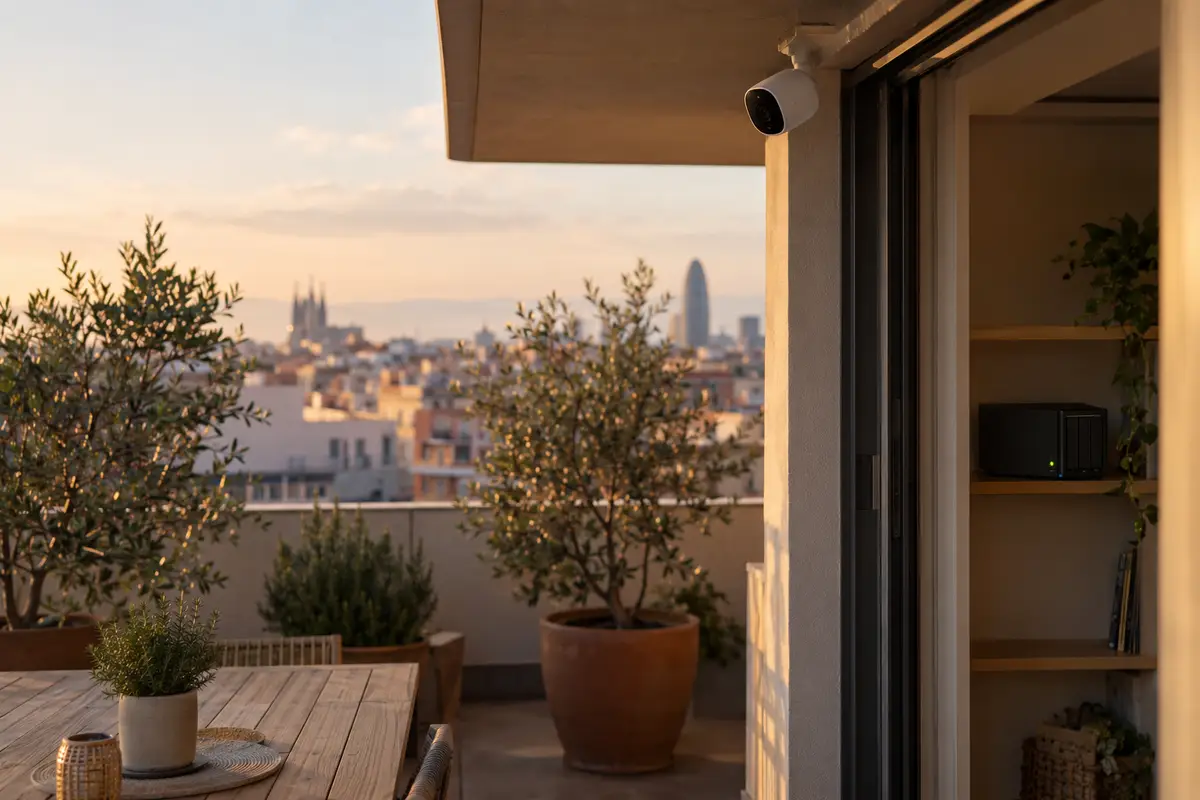
The camera arrives in a small box, takes five minutes to set up and works beautifully. Until you want to see who rang the doorbell yesterday afternoon, and the app shows you a screen: to access your history, subscribe. What cost €60 turns into €4, €8 or €12 a month, per camera or per home, for as many years as it stays on the wall. And the day you stop paying, the camera still sees — but it stops remembering.
It isn't a design flaw: it's the business model. There's another way to do it, and it's the old-fashioned one — the video is stored in your home, on a drive that belongs to you, and the only person who decides who gets to see it is you. This guide explains how security cameras with local recording work, what to look for when choosing them, where to put them and — this matters more than it seems — where you have no right to point them.
Why the big-brand camera charges you every month
Mass-market cameras are designed around the manufacturer's cloud. The camera detects movement, uploads the clip to the manufacturer's servers, and that's where your notification and the video come from. What you see in the app isn't on the camera: it's hundreds of kilometres away, on a drive that isn't yours. That's why the “free” tier covers the live view and little else, while history, person detection and activity zones sit behind the subscription: storing your video costs them money every month, and they pass that cost on to you every month.
Beyond the price, there are two consequences that aren't printed on the box. The first is that your footage — your living room, your children, the time you leave the house — lives on a company's server, subject to its terms, its data breaches and its decision to put the price up or shut the service down. The second is that the camera depends on the internet for everything: if the connection drops, it's not just that you can't see it — it doesn't record. It's the same trap we explained in our comparison of alarms with and without monthly fees: you pay every month for a service that, in a well-designed home, your own equipment can provide.
Recording locally: three ways to do it
Local recording means the video is stored on a drive inside your home. There are three ways to do it, from least to most serious:
A card in the camera. Many cameras take a microSD card and record to it without any cloud. It's better than nothing and fine for the camera in the storage room, but it has an obvious flaw: the evidence is inside the very device the intruder takes away or rips off the wall. And every camera is an island with its own app.
A video recorder. An NVR — a small box with a hard drive — receives the video from every camera over your home network and stores it in one place, hidden where nobody would think to look. It's the classic set-up of professional CCTV, scaled down to the size of a home: days or weeks of history, every camera on one screen and no third-party server in between.
A recorder inside your home's system. This is what we install: the cameras connect to the same local equipment that runs the alarm, the lights and the climate control. The advantage isn't just the drive: it's that the camera talks to the rest of the house. The terrace sensor goes off and the system sends you the clip from that camera, switches on the outdoor light and arms the siren — all decided inside your home, without asking anyone's permission. It's the same security system with no monthly fees that we install from €900, with the quote for cameras tailored to the number you need, and the same principle we stand by for the whole house: cloud-free home automation, on your local network, with your data inside your own four walls.
What to look for when choosing a camera
With local recording, the camera stops being the product and becomes one component. What matters is that it fits with the recorder and with the spot where it's going:
It must speak an open standard. This is the requirement that changes everything: the camera must support RTSP or ONVIF, the two protocols that let any recorder receive its video. A closed camera, one that only works with its own brand's app, can't record locally with anything else — however good the picture is. The spec sheet will say so; if it doesn't, be suspicious.
Cable or Wi-Fi. Cameras with a PoE network cable get power and data through the same cable: they don't depend on Wi-Fi coverage, they don't lose signal when the house is full of devices and they don't need a socket nearby. They're the serious option outdoors and for any camera that has to record without fail. Wi-Fi cameras are convenient where a cable can't reach — an interior hallway, a rented flat — as long as the router reaches them with a strong signal; a Wi-Fi camera on two bars is a camera that drops out at three in the morning.
Resolution and night vision. At 2K — 4 megapixels — you can read a number plate across a driveway and recognise a face across a landing; more resolution just fills the drive faster. At night, infrared vision gives a black-and-white picture even in total darkness; cameras with a white-light spotlight record in colour, but they give away their presence. For an entrance, the former; for a terrace where you also want light, the latter.
Person detection — but done at home. The difference between a camera that alerts you when a cat walks past and one that alerts you when a person does is what makes the system usable. In the cloud, that intelligence is exactly what they charge for. In a modern local recorder, the recorder itself recognises people, cars and animals — without sending a single frame outside your home.
Where to put them — and where you can't point them
The cameras that genuinely help are few and well placed. In a typical home, three or four are plenty: the main entrance, which sees who rings and who approaches; the terrace, patio or garden, which is the way in when it isn't through the door; and one or two indoors in the through areas — the hallway or the living room, never the bedrooms or the bathroom. They go up high, at two and a half metres or more, out of reach and with the sun behind them, not in front.
And here's a rule that isn't technical but legal, and one many people only discover when a neighbour complains. Your cameras may only record your own property. Spain's Organic Law 3/2018 on Data Protection (in Spanish) and the video surveillance guidance from the Spanish Data Protection Agency (in Spanish) are clear: a private individual can monitor their own home, but may not capture public space beyond the minimum strip strictly necessary in front of their own entrance, nor a neighbour's plot, terrace or windows. A camera on your balcony that records the pavement and the building entrance across the street isn't “your security”: it's an infringement that carries a penalty.
Three practical consequences. First: outdoor cameras face inwards — your door, your garden — and if the angle takes in part of the street, that area is masked out in the recorder, which lets you do exactly that. Second: if you live in a block of flats, a camera pointing at the landing or the stairs records communal areas, and that's no longer your decision alone: it needs the agreement of the owners' association (comunidad de propietarios). Third, the one nobody mentions: if someone works in your home — a domestic worker, a carer — they have the right to know that there are cameras and where they are; recording them covertly is illegal even though the house is yours. A “zona videovigilada” (CCTV in operation) sign at the entrance takes care of the notice part.
Indoor cameras without feeling watched
The most honest objection to an indoor camera isn't the price: it's the feeling of it watching you while you eat dinner. With the video in the cloud, that camera is always “live”, because for the manufacturer every clip is one more reason for you to pay. In a local system, it's solved with a simple rule: indoor cameras only record when the house is empty. When you arm the alarm on your way out, they switch on; when you disarm it on your return, they switch off — and not through a software “privacy mode” you have to take on trust, but by cutting their power from the system itself, which is the only way a camera is truly off.
The same logic extends to holidays: cameras and sensors on guard, lights and blinds following the presence simulation routine that makes the house look occupied, and your phone receiving only what matters. A home that shows you what happens while you're away, and doesn't watch you while you're there.
Checklist before you buy
- RTSP or ONVIF on the spec sheet. Without it, the camera won't record locally to anything but its own cloud. It's the first line to look for.
- No fee to access your history. If the brand offers a “plan” or “subscription” to view recordings, you already know how its camera works. With your own recorder, the history is yours from day one.
- PoE outdoors, Wi-Fi only where the cable can't reach. And if it's Wi-Fi, make sure the router reaches it at full signal — or that an access point does.
- Person detection in the recorder, not in the cloud. It's what separates a useful system from one that alerts you every time a curtain moves.
- A hidden recorder and a properly sized drive — 2 TB gives you weeks of events with four cameras — and a phone alert that goes out at the moment, not afterwards.
- A plan of what each camera sees, drawn before you drill: only your property, no street and no neighbours, a sign at the entrance and, in blocks of flats, the owners' association's permission for any communal area.
Common questions
Can I view the cameras on my phone if there's no cloud?
Yes, and without paying for it. The app connects to your home through an encrypted tunnel that starts at your own router — the same technology companies use so that their employees can get into the office network from outside. You see the live view and the history wherever you are; the difference is that the video travels from your home to your phone without passing through any manufacturer's server. And if your home connection goes down one day, recording carries on: the recorder doesn't need the internet to work, only to show it to you.
How many days of recording fit on one drive?
More than you'd think. A recorder with detection doesn't record 24 hours a day: it keeps the stretches with movement or people in them and discards the rest. With four cameras and a 2 TB drive — the usual size — you keep between two and four weeks of events, and the system deletes the oldest footage by itself. For real-world use, which is checking what happened last night or last week, that's more than enough.
What if the burglar takes the recorder?
That's why the recorder goes somewhere out of sight — a cupboard, the room with the router, a high storage space — not next to the door. And above all, recording isn't the only line of defence: as soon as a camera or sensor detects the break-in, the clip has already gone to your phone and the siren is already sounding. Whatever the intruder may take afterwards, you've already seen what happened. In the system, the camera is the evidence; the alert is the protection.
Can I reuse the cameras I already have?
It depends on whether they “speak” an open standard. If the camera supports RTSP or ONVIF — the manufacturer's spec sheet will say — it connects to the local recorder and joins the system without being replaced. Closed big-brand cameras, which only work with their own app and their own cloud, can't: in that case the honest thing is to say so sooner rather than later, and the quote shows what can be reused and what needs replacing.
In short
A home security camera doesn't have to be yet another monthly fee. With cameras that speak an open standard, a recorder inside your home and detection done locally, the video stays in your home, the alert reaches your phone in seconds and the monthly bill disappears. Pointed the right way — only at what's yours — switched off while you're inside and integrated with the alarm, cameras stop being a subscription product and go back to being what they always were: evidence that you keep. All of it yours, on your local network — and we guarantee our installation and configuration for 5 years. Your home is already recording you; the question is who for.