
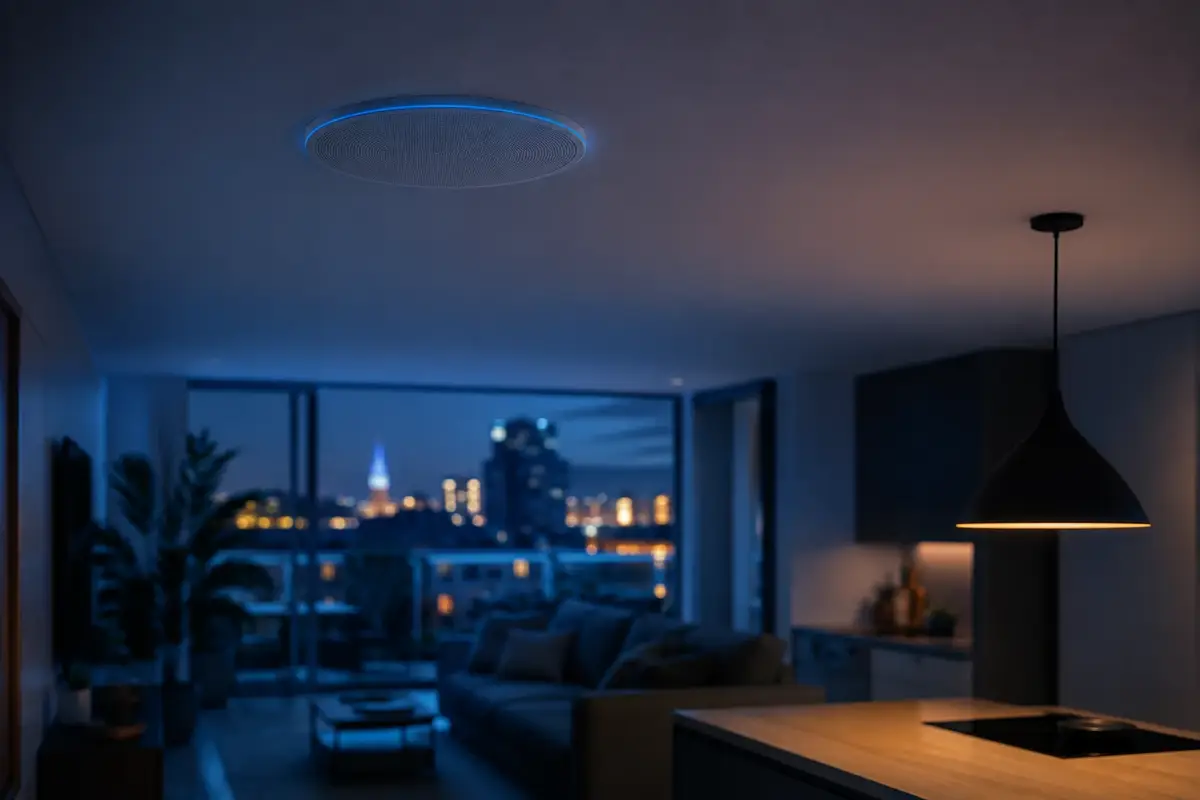
Say hilo musical — the Spanish name for music piped throughout the house — and people picture the eighties: that grille speaker in the hallway ceiling whose only job was to play the radio quietly while someone mopped the floor. That's why, when someone asks us for it during a visit, they usually say it half as a joke. And yet, when it's installed properly, it's one of the things people use most every day, well ahead of far showier automations. The difference is that today there isn't a single cable in sight, or a single grille speaker.
The other usual reaction is the opposite: ‘I've already got a Bluetooth speaker for that.’ It's a reasonable argument until you leave the room. What follows is exactly what a zoned system is today, what can be fitted in an existing flat without touching a wall, and what it really costs — which is usually quite a bit less than people imagine before they ask.
What music throughout the house means today (and why a Bluetooth speaker isn't it)
A Bluetooth speaker pairs with one phone. That innocent sentence contains all its limitations: if the phone moves away, the music cuts out; if a call comes in, the music cuts out; if someone else wants to put something on, you have to unpair and pair again; and if you want to hear the same thing in the kitchen and the living room, you need two phones, and even then they'll be out of sync.
A multiroom system works the other way round. The speakers aren't paired with anyone: they're connected to your home network, just like your laptop or the TV. Each one is an independent point that anyone can send music to from their own phone, and the music doesn't depend on that phone staying nearby — you can pop out to the shops and it keeps playing at home. It looks like a small change, but it's huge in daily use: music stops being something you have to set up every time and becomes something that's simply there, like the lights.
The technically hard part, and what separates a real system from a handful of separate speakers, is synchronisation. Network speakers keep in step with each other to within milliseconds, so you can walk down the hallway with the same song playing in two rooms and hear no echo or lag. With two independent Bluetooth speakers that's impossible: you notice it where they overlap, and it's irritating.
Zones: the same song all over the house, or each room doing its own thing
A zone is a room or group of rooms that play together. In a typical flat there are usually four or five: kitchen, living room, main bedroom, bathroom and terrace. The kitchen and dining room are often set up as a single zone, because in practice they're one space.
The interesting part is that these groupings aren't fixed. They're joined and split on the fly, from the app or by voice. On a Saturday morning you start with a podcast in the kitchen, go out onto the terrace to hang the washing and take the zone with you; meanwhile, someone's asleep in the bedroom and nothing plays in there. In the afternoon you group the whole house on the same playlist and the music moves with you from room to room without you touching a thing.
Each zone also has its own volume, which is less obvious than it sounds and makes a difference every day: a terrace competes with street noise and needs quite a bit more level than a bedroom, and with a single volume you'd end up choosing between hearing nothing outside or waking someone up inside.
In an existing flat: freestanding or in-ceiling
This is the question that really decides the project, and it has two honest answers depending on how much you're willing to touch.
- Freestanding speakers. These are connected speakers that sit on a shelf, a worktop or a piece of furniture. They need two things: a socket and to be on your home network. There's no building work, no cable in sight apart from the power lead, and you can move them around or take them with you when you move house — which is why they're the natural choice if you're renting. They are, by far, the most common installation in flats.
- In-ceiling speakers. These are the ones that truly disappear: all you see is a white circle the same colour as the ceiling, and nothing else. The trade-off is that cable has to run from an amplifier to each speaker. If there's a false ceiling — very common in bathrooms, hallways and renovated kitchens — the cable runs through it and nobody's any the wiser. If there isn't one, the alternative is a one-off chase cut into the plaster or a moulding, and then we're no longer talking about an installation with no building work.
In most homes the answer ends up being a mix: in-ceiling where the false ceiling makes it easy, freestanding everywhere else. It's the same logic we apply to the rest of the installation, and the reason home automation can be fitted in an existing flat with no chasing into walls and no dust: you make the most of what the home already allows instead of imposing a single way of doing it.
A note on older flats, which are the majority in Barcelona. Thick solid-brick walls don't affect the sound — each zone has its own speaker, so nothing has to get through a wall — but they do affect Wi-Fi coverage, and a speaker that loses signal drops out of sync and ruins the effect. The fix is a wired network point wherever one can be run, or a well-spread mesh Wi-Fi system. It's a two-minute check during the visit, and it heads off the only serious problem multiroom tends to cause.
What it costs and what that depends on
A typical two-zone installation with voice control starts from €500, and that figure includes fitting and configuration, not just the equipment. From there, the quote moves with three factors, in this order of importance:
- How many zones. It's the main factor and the easiest to control: each zone adds its own speaker. Starting with two and expanding next year carries no penalty at all, because the system is modular.
- Freestanding or in-ceiling. It's not so much the price of the speaker as the labour of running the cable. In-ceiling with a false ceiling is manageable; in-ceiling without one is the only part of this project whose cost can shoot up, which is why we tell you before we start, not afterwards.
- What you already have. Every connected speaker already in your home is a zone you don't need to buy. There's almost always a pleasant surprise here.
Our multiroom audio page details what the installation includes and the control options. And as with every other system, we guarantee our installation and configuration for 5 years: if anything stops working because of how it was installed or integrated, we fix it at no cost.
When music becomes part of the house
The real leap comes when sound stops being a separate gadget and becomes one more piece of the system. That's when things start to happen that nobody asks for on the first visit but that nobody wants to give up afterwards:
- Someone rings the intercom and the music pauses by itself in the zone you're in, so you can hear who it is. When you hang up, it comes back.
- Night mode lowers the overall volume and switches off the zones in the part of the house where someone's already asleep.
- The wake-up alarm in the bedroom fades in gradually on that speaker, not on your phone, and at a volume that doesn't make you jump.
- The ‘dinner’ scene starts its playlist, sets the volume to a third and adjusts the dining-room lighting at the same time, with a single command.
- If the alarm goes off, the speakers act as a siren spread throughout the house instead of a single beep in the hallway.
All of this runs from the home's own system, on your local network. The practical consequence is the one we cover in the FAQs, and it's worth repeating plainly: your own music library keeps playing even if the internet is down, but streaming doesn't, because the song lives on the internet, not in your home. Control — the app, the buttons, the scenes — is never lost.
What about commercial premises?
In a bar, a shop or a restaurant the approach changes: it's no longer about the music following you, but about the atmosphere not depending on someone remembering to put it on. Independent zones for the dining room, bar and terrace, each with its own volume, playlists scheduled by time of day and automatic start-up when you open. The manager adjusts whatever's needed from their phone, and the rest of the day runs itself.
In hospitality, sound and light also always go hand in hand: the dinner scene lowers the music and dims the dining room in one go. That's how the Eixample restaurant you can see among our projects is set up — 350 m² with lighting scenes for each service, adaptive background music and zoned climate control for the dining room and kitchen. If that's your situation, the place to start is our home automation for businesses page, which covers our approach for businesses and the initial audit.
Common questions
Can I use the speakers I already have?
Often, yes, and it's the first thing we check. Speakers that are already connected to the network — a Sonos, an Echo, a Nest — integrate directly and become one more zone in the system. A good traditional hi-fi, the amplifier-and-loudspeakers kind, can also be brought in by adding a small network player to the amplifier's input: the living-room stereo stops being an island and joins the rest. What doesn't work well are Bluetooth-only speakers with no network connection, because there's no way to sync them with everything else.
Is there a delay from one room to the next?
No, and that's precisely the difference between a multiroom system and several separate speakers playing at once. Network speakers synchronise with each other to within milliseconds, so you can walk down the hallway with the same song playing in both rooms and hear no echo or lag. Put two independent Bluetooth speakers on the same song, on the other hand, and the lag is obvious straight away and really annoying where they overlap.
Does it work if the internet goes down?
It depends on where the music is. Anything played from inside your home — your own library of files on a drive or on the server — keeps playing as normal, because it doesn't go anywhere: the audio travels over your local network. What does stop working is streaming, because the Spotify or Apple Music track lives on the internet, not in your home. You don't lose control either: the app and the buttons keep commanding the speakers even when the router has no connection.
Can I start with one zone and expand later?
Yes, and it's what we almost always recommend. The system is modular: you start with the two zones where you spend most of your time — usually the kitchen and living room — and add rooms whenever you like, without redoing anything already in place. A new speaker is added to the system and it's simply one more zone. It also avoids the classic mistake of kitting out rooms all at once where, in the end, nobody ever plays music.
Does it work in an older home with thick walls?
Yes, although it's worth knowing where the real difficulty lies. Thick walls don't affect the sound — each zone has its own speaker — but they do affect Wi-Fi coverage, and a network speaker that loses signal drops out of sync. In older flats with solid-brick partition walls we solve it with a wired network point wherever possible or a well-placed mesh Wi-Fi system. It's a two-minute check during the visit, and it heads off the only serious problem multiroom tends to cause.
In short
Today's music throughout the house has nothing to do with the one in your grandparents' hallway: it's speakers on your home network, synchronised to the millisecond, groupable into zones and controllable by voice, app or the home's own routines. In an existing flat it's almost always freestanding and fitted without touching a wall; in-ceiling is invisible, but that calls for cable, and it's worth knowing beforehand. Two zones start from €500, and expanding later doesn't mean redoing anything. And of all the things that get installed in a connected home, this is one of the very few that gets used every day without anyone having to remember it's there.