
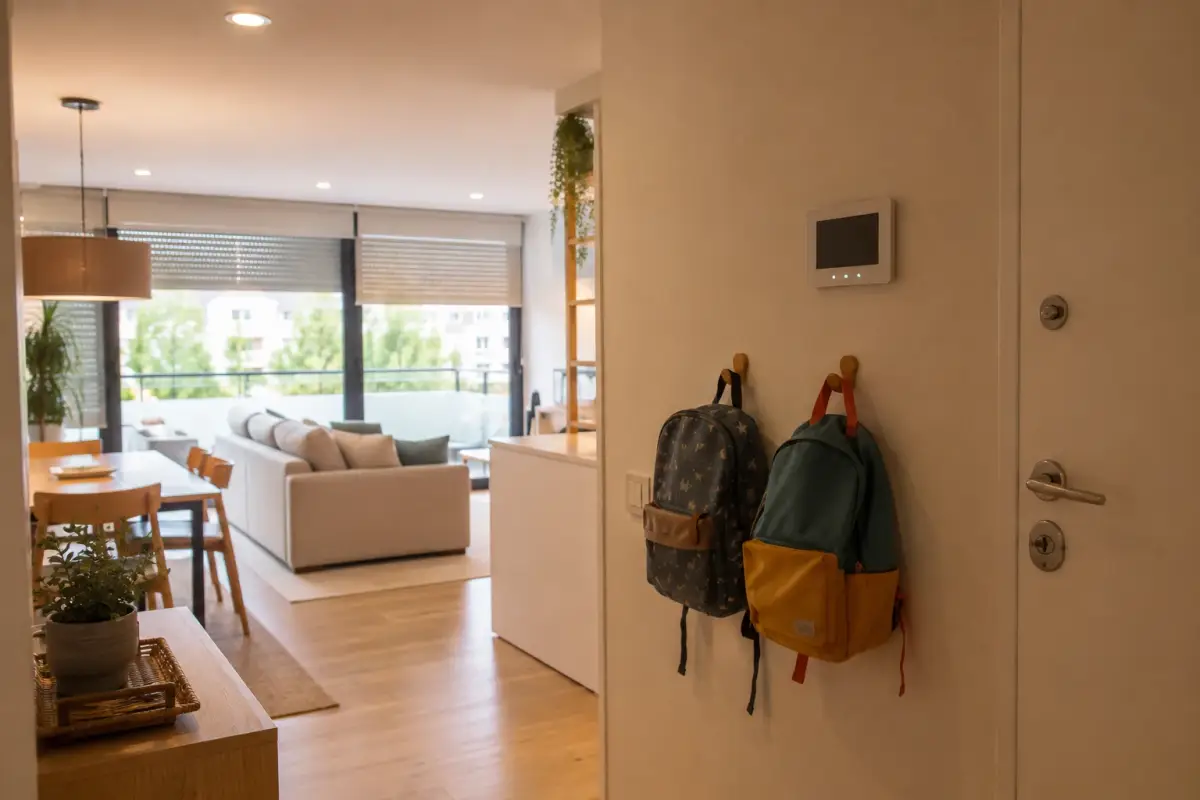
Back to school — la vuelta al cole, as it's known in Spain — has a soundtrack everyone recognises: an alarm clock nobody wants to hear, three rounds of “come on, we're going to be late” before eight o'clock, and the mental checklist on the landing — did I switch off the air con? Did I lower the blinds? Who's picking the kids up today? Summer scrambles everyone's timetables and September brings them back all at once. You'll still be the one making the decisions; the mechanical part can be left to the house.
This isn't about turning your flat into a spaceship. It's about taking the four or five things a family does every school day — getting everyone up, switching everything off on the way out, knowing the kids have got home, sitting someone down to do homework in good light — and programming them just once. What follows is what families ask us for most when they want exactly that, and what it costs to get it up and running.
Why September sticks better than January
New Year's resolutions swim against the tide: everything is just as it was in December, and the new habit depends on willpower alone. September is the opposite. The whole family's timetable changes at once, and any routine set up that week sticks by itself, because it isn't competing with an old habit. Home automation works exactly the same way: an automation that starts alongside the new timetable becomes invisible within a week; the same automation introduced halfway through the school year takes a month to stop feeling strange.
There's a more down-to-earth reason too: the summer automations — watering, presence simulation — have done their job and the house is occupied at regular hours again. It's the turn of the everyday routines, which are less showy and get used fifty times as often.
Morning: the house wakes up a little before you do
The gentlest way to wake up isn't a speaker going off: it's light. A blind that rises halfway on its own five minutes before the alarm fills the room with natural light, and your body gets going without a jolt. It works surprisingly well with children, and with teenagers it's quite simply the only thing that works. If your blinds are already motorised, connecting them to the system is simple and needs no building work; we go through it step by step in our guide to automating your blinds.
At the same time, the “good morning” scene does the rest: it turns on the hallway and kitchen lights in a soft, warm tone — not the harsh white glare at seven in the morning — and, if you have music around the house, starts the radio quietly wherever you have breakfast. Each piece is small; together they add up to a morning in which nobody has to go round switching the house on one switch at a time with a slice of toast in their hand.
The important detail is that all of this is triggered by time on school days: the house knows a Tuesday from a Saturday, and it can follow the school calendar so nobody gets woken at 7:30 on La Mercè, Barcelona's city holiday.
Heading out: closing up the house in one go
The second scene is the “we're off” one. A button by the door — or a word to the voice assistant on the way to the lift — turns off all the lights, stops the air conditioning and cuts power to the sockets on standby: TV, games consoles, the charger that was left plugged in. The checklist on the landing disappears, because there's nothing left to check.
The button-free version is geolocation: when the last family member's phone leaves the area around your home, the scene runs by itself. It works the same way in reverse, as we'll see when we get to coming home. And if the word “geolocation” makes you uneasy, here's the short answer — the long one is in the questions at the end: the signal is generated by your phone and sent to your own home, on your local network; there's nobody here watching a map.
Coming home: knowing they're back, without watching anyone
It's the automation most appreciated by parents whose children have started coming home from school on their own. A sensor on the front door — or, better still, a personal code for each of them on the lock — and at 16:42 an “arrived home” pops up on your phone. No compulsory check-in call, no camera pointed at the hallway, no tracking app on anyone's phone: the house records that the door has opened and tells you. It's genuine peace of mind, and it's deliberately very little information — they're home, full stop.
The same logic gets the house ready for your arrival. In mid-September there are still 28 °C afternoons: if the living-room air conditioning starts twenty minutes before you get in — on a schedule, or when the first phone enters the area — the house welcomes you cool without having spent all afternoon cooling itself for nobody. That detail matters, because heating and cooling only when it's needed is exactly what delivers the savings of up to 40% on energy use that we always talk about.
Afternoon: homework lighting and an evening that winds down by itself
Light isn't just about atmosphere: it's about concentration. The same dimmable bulb that greets the morning in warm tones can switch to a brighter, neutral white from five to seven, while homework is spread across the dining table, and soften again when it's time to clear up. Nobody needs to touch anything: the “homework” scene is just another schedule. Our smart lighting page has the details on scenes and room-by-room dimming.
And night-time has its own routine, which is worth its weight in gold with young children: at story time, the bedroom light dims to a warm minimum and switches itself off fifteen minutes later; the blind finishes coming down; the rest of the house goes into night mode. Bedtime stops being a negotiation with the light switch.
Climate control, from summer to the in-between season (without touching a thing)
September and October are the trickiest months for heating and cooling: days that call for air conditioning, nights that almost call for a blanket, and the following week the other way round. That's exactly where fixed schedules fall short and condition-based automation wins: the air conditioning only starts if the indoor temperature goes above a threshold and someone is at home; an open window stops it; and on the day it genuinely cools down you don't have to remember to switch anything off, because nothing was left on out of habit.
When the real cold arrives, the same installation switches sides: the smart radiator valves and the smart heating thermostat come into play, with the house already trained on your winter schedules — which are, of course, the school-run ones.
What it costs to get started
Everything above is installed with no building work and piece by piece, and that's what drives the price. If your blinds are already motorised, connecting them to the system costs from €400; lighting scenes, from €600; climate control, from €700. There's no need to do it all at once, and it wouldn't make sense: almost every family starts with the mornings — blinds and lights — and adds the rest once the first routine has become invisible. A full installation, with the whole house working as a single system, costs from €2,500.
The full picture of what a system can do for a family — from the good-morning scene to night mode, security included — is on our page on home automation for homes. And as with everything we install: it runs on your local network, with no monthly fees, and we guarantee our installation and configuration for 5 years.
Common questions
Isn't geolocation a bit creepy? Who can see where I am?
Nobody, and it's worth explaining why. The alert works the other way round from what the word suggests: it's your phone that, when it crosses the zone you've set, sends a message to your own home over your network — “I'm heading out” or “I'm nearly home”. There's no company watching a map and no location history stored in anyone's cloud: the system lives in your home and runs on your local network. And it's optional both ways: anyone who'd rather not use it has the button by the door, which does exactly the same thing.
Can I know whether my children have got home without putting anything on their phones?
Yes, and in fact that's how we recommend doing it. There's no need to track any phone: a sensor on the front door tells you it's been opened, and if the lock is a smart lock, each member of the family can have their own code, so the alert already says who has arrived. It's minimal, sufficient information — “arrived at 16:42” — with no cameras in the hallway and no location apps on anyone's phone.
What about public holidays, long weekends or days when there's no school?
Routines aren't a blind timer: they tell school days from weekends and can follow a calendar of public holidays, so on a weekday holiday the blinds don't go up at 7:30. And for the unexpected day — a sick child, a strike, a school trip that changes the time — any routine can be skipped with a tap in the app or by telling the voice assistant, without reprogramming anything: the next day everything works as usual again.
Can I set up just the morning routine and add more later?
Yes, and that's what almost everyone does. The system is modular: you start with whatever bothers you most — usually the morning blinds and lights — and add the leaving-home scene, arrival alerts or climate control once the first routine is part of the house. Nothing already installed has to be redone later, and since none of it involves building work, each addition is a short visit, not a house move.
In short
Back to school is going to happen anyway: the early starts, the timetables, the homework. The difference is how much of that choreography the family carries and how much the house takes on. Blinds that rise with the morning, a departure that switches everything off, an “arrived home” in the middle of the afternoon, homework lighting and an evening that winds down by itself: none of these pieces is spectacular on its own, and that's exactly why they work — within a week they've become invisible. September is going to put the whole family into routine mode; it's the best time for the house to get into the routine too.